

Table of Contents
2
3
The Hidden Culprit
Why Your Phone Feels Slow
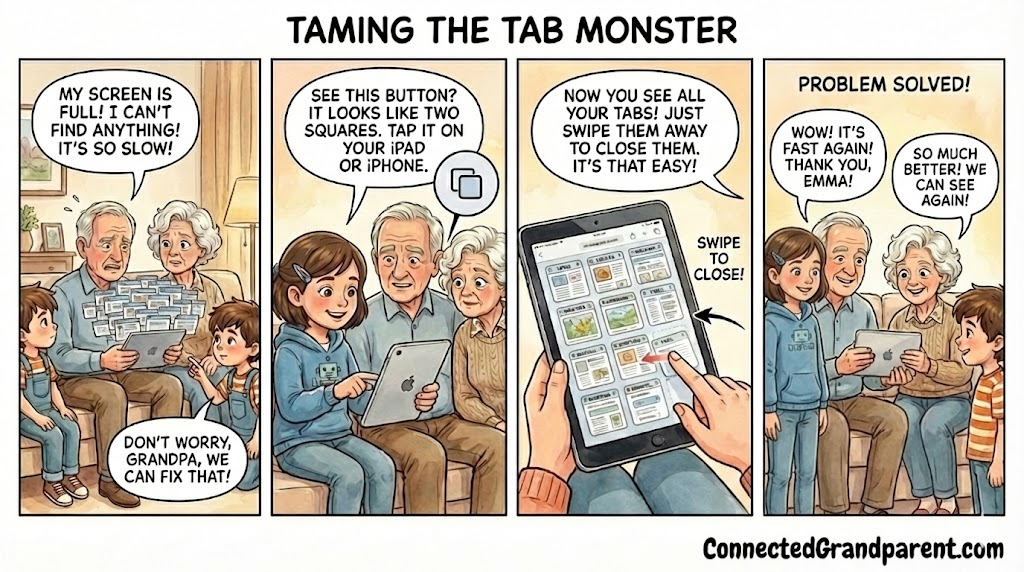
Every time you open a link, a new tab is created, cluttering your phone’s memory and slowing it down. This digital mess can drain your battery and make your device sluggish. But fear not, a simple solution is at hand!
Choose Your Device
Find Your Path
No matter if you have an Apple iPhone or an Android phone, we have simple solutions to help you manage your tabs better. Just follow the guide that fits your device, and you will enjoy a smoother experience on your smartphone.
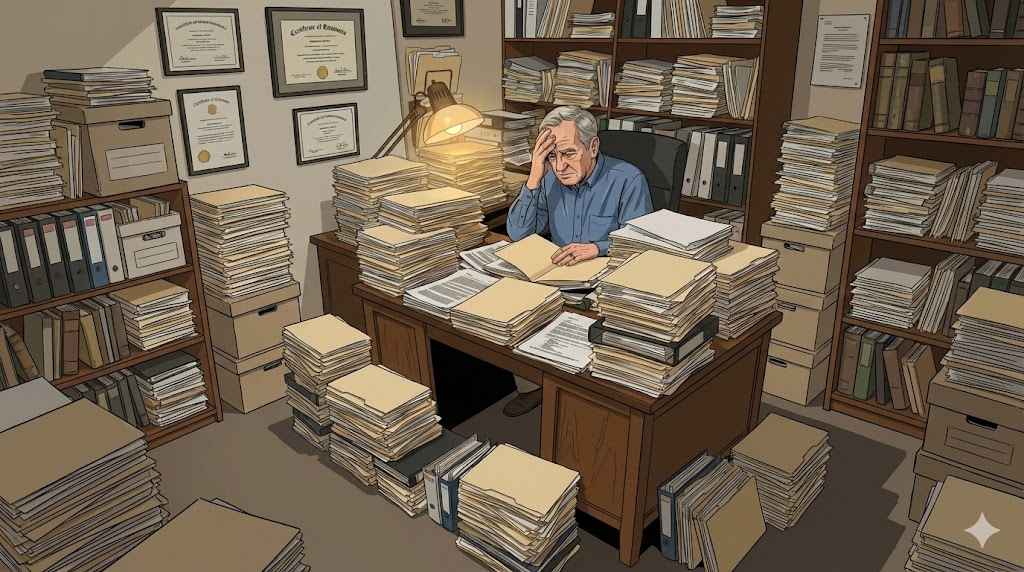
Think of open tabs like having open folders on your desk!
Steps to Manage iPhone Tabs
Mastering Safari: Closing Tabs on Your iPhone
- Launch the Safari app on your iPhone to get started.
- Locate the tab icon positioned at the bottom right of your screen and give it a tap.
- Browse through your open tabs to find the ones you want to manage.
- To remove a single tab, swipe it to the left and tap the red ‘Close’ button that pops up.
- If you’re looking to clear multiple tabs simultaneously, press and hold the ‘Done’ button in the upper right corner.
- Choose ‘Close All Tabs’ to wipe them out in one swift action.
- Finally, tidy up your remaining tabs by bookmarking the ones you frequently use for quick access later.
Steps to Manage Android Tabs
Effortlessly Close Tabs on Android with Chrome
- Begin by launching the Chrome app on your Android device by tapping its icon on your home screen or app drawer.
- Locate the square icon in the upper right corner of the screen that shows how many tabs you have open.
- Tap on this square icon to see a visual overview of all your currently open tabs.
- To close a specific tab, simply swipe it to the left or right until it vanishes from the screen.
- If you prefer to close all your tabs at once, look for the three vertical dots in the top right corner of the tab view.
- Tap on those dots to bring up a menu, then choose the option that says ‘Close all tabs’ to clear everything in one go.
Congratulations! You now have a fresh start for your browsing experience.
Enhance Your Smartphone Experience Today
Transform your smartphone usage by implementing these simple yet effective tips. Say goodbye to sluggish performance and hello to a smoother, more efficient device. Take control of your tabs and watch your phone’s speed and battery life improve dramatically. Start now and enjoy a seamless digital experience!

💡 Emma’s Tech Tip!
Hey, Grandparents! Emma here.
Let Emma’s tips come to your rescue!
- Closing tabs doesn’t wipe your data; it just declutters your browser.
- A streamlined browser leads to a quicker phone and extended battery life.
- Using Private Mode? Your browsing history stays hidden, ideal for those covert gift hunts